ToolboxOS / Software Platform

Keep the whole job on one operating line.

ToolboxOS brings customer, appointment, invoice, call, and estimate context into one operating view, then extends that record through field delivery.

01 / Win work 02 / Run work 03 / Close the loop

01 / Win the work

From first inquiry to approved estimate, without losing the details.

Capture the inquiry, keep the conversation, and move approved scope into delivery with its context intact.
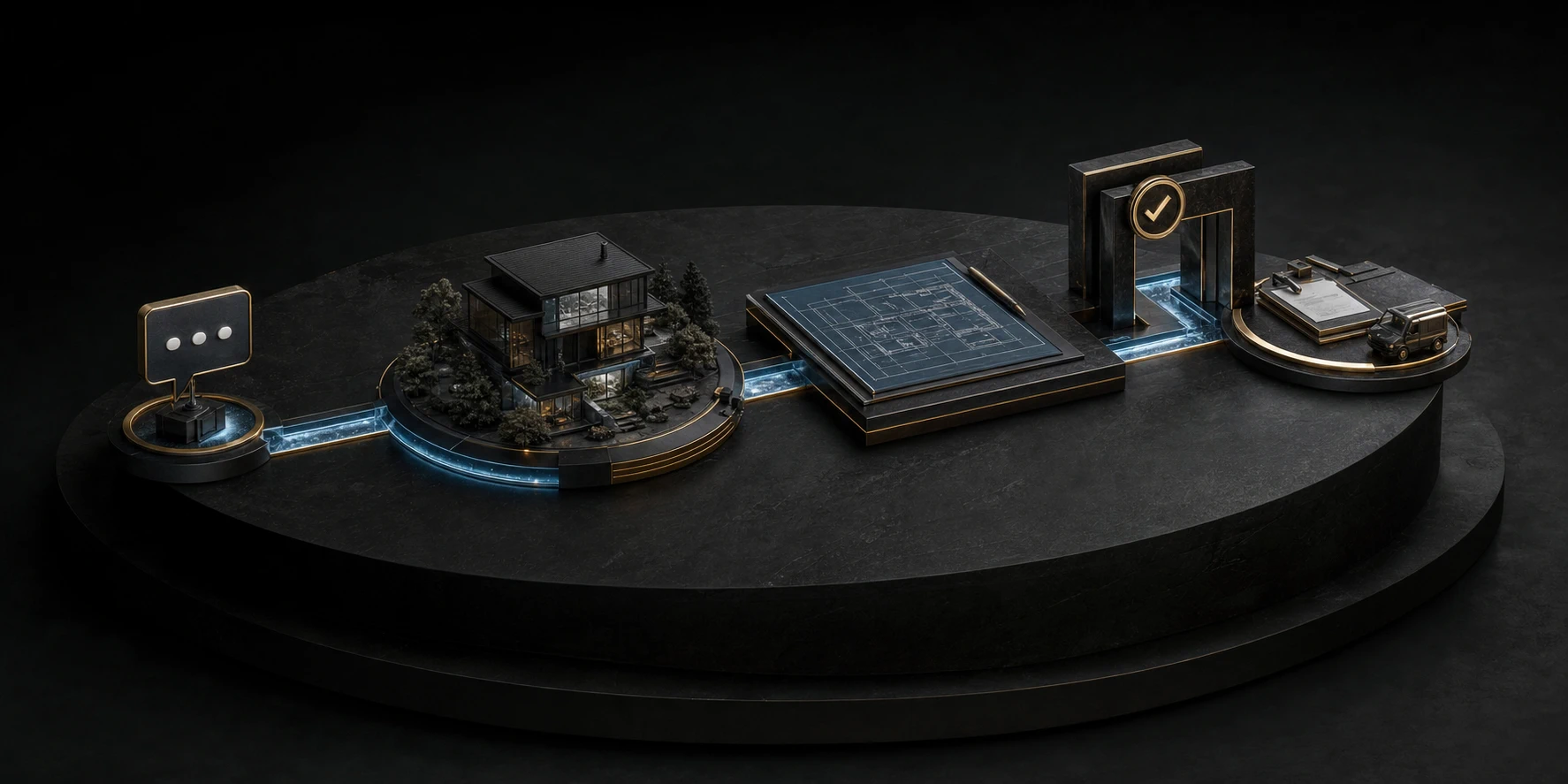
An inquiry moving through a connected customer and property record into an estimate, approval gate, and scheduled work.
Inquiry to approval
Current product evidence Connected · Read-only
Connected job context

One customer record

Property, conversation, appointment, invoice, and estimate context.

Working mode Review and prepare
Connected context

What the office can see

Customer record Contact and property Connected view
Appointment Service context Connected · Read-only
Call activity Conversation attached Connected view
Invoice state Financial context Connected view
Available now: connected views and assisted estimate drafts In build: write-back, dispatch, and durable field execution

02 / Run the job

Carry the approved scope into the field.

The product direction keeps scheduling, dispatch, job evidence, and team communication attached to the approved work.
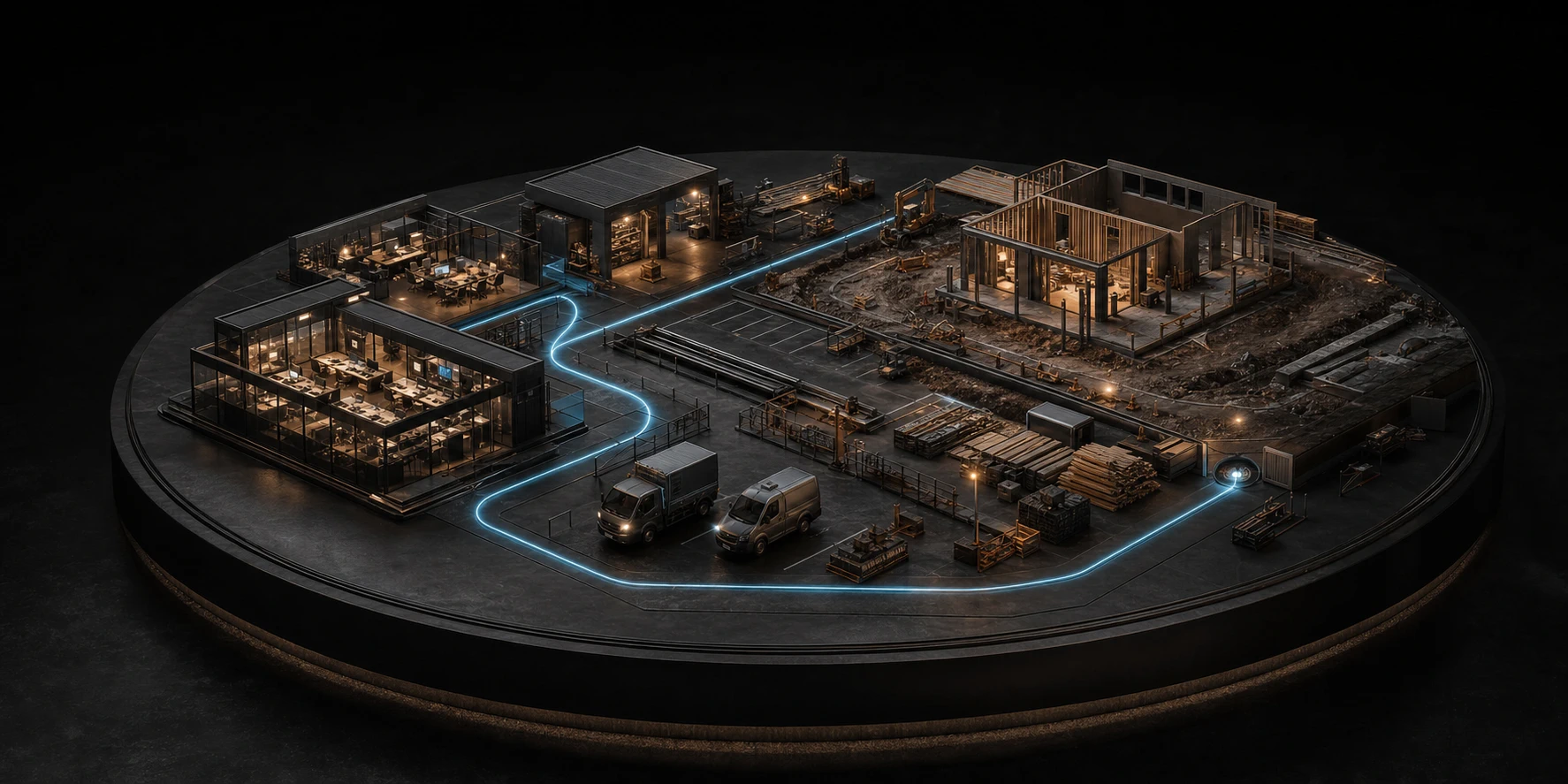
A connected operations yard linking the schedule, crews, vehicles, materials, and construction site to the approved job.
Promise to field
Product direction / Coordinate

Schedule & dispatch

Match the right work, time, and crew without losing the promise.

  • Availability and assignments
  • Visit and route context
  • Schedule changes
Product direction / Deliver

Jobs & field

Give the field the scope and capture what happened on site.

  • Job notes and forms
  • Photos and files
  • Completion evidence
Product direction / Align

Team & files

Keep office and field decisions visible to the people who need them.

  • Role-based views
  • Shared job history
  • Decision ownership

03 / Close the loop

Finish the work. Get paid. Keep the customer.

The product direction carries verified completion into billing, customer follow-up, and the next opportunity.

A contractor and homeowner reviewing completed renovation work with payment, review, and future-service confirmation visible on a tablet.
Finished work to paid relationship
Product direction / Collect

Invoices & payments

Move verified completion into billing and collection.

  • Invoice preparation
  • Payment status
  • Financial handoff
Product direction / Inform

Client portal

Give the customer a clear view of the work and its status.

  • Approvals and history
  • Documents and receipts
  • Customer communication
Product direction / Continue

Reviews & repeat work

Turn a completed job into proof, referral, and future demand.

  • Review requests
  • Referral follow-up
  • Repeat opportunities

Platform / Next

Bring the whole job into one operating flow.

See how it works

Feature availability varies by workspace configuration and connected services.